Filters (a.k.a Kernels)
Pre Deep Learning era, traditional computer vision centered on filters. Filters were hand-engineered matrices that you convolved with an image to detect specific features like edges, corners, or textures and also modify images to smooth, enhance features or suppress noise. They operate by applying mathematical transformations to pixel values.
What is Image Filter and Convolution?
An Image filter (often referred as kernel) is a matrix, commonly of dimention
- Overlay the filter on the pixel along with local neighborhood of that pixel.
- Multiply each filter entry by the corresponding pixel intensity.
- Sum all these products to produce a single new intensity (or gradient value, or some other measure).
This process is called convolution.
What are main purposes of Kernels?
- Feature extraction: To detect ➀ edges, ➁ corners, or ➂ textures and ➃ filters also help highlight specific regions.
- Noise reduction: Smoothing image and suppress pixel-level noise.
- Enhancement: Some filters sharpen or enhance edges to make further analysis.
This by no means is exhaustive list, but surely lists main purposes.
Example
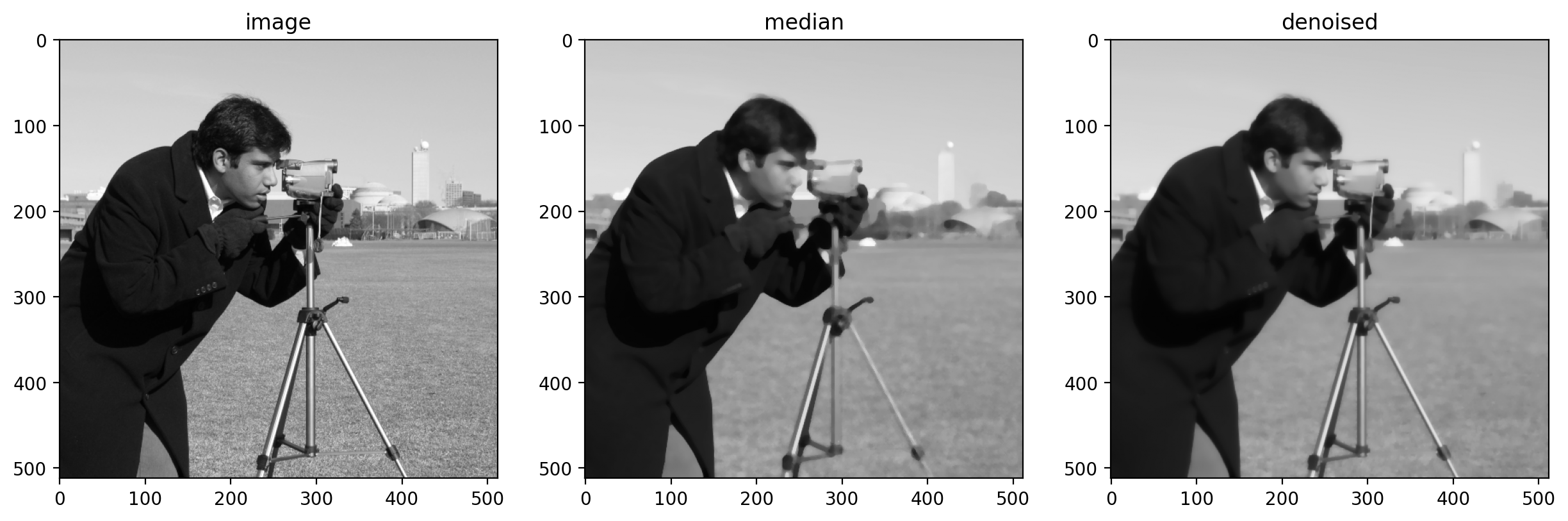
Examples of Filters
How are the kernel matrix determined?
There are two answer to this question and depends on whether we are doing "Old School" image processing or "New School" deep learning.
1. "Old School" image processing
These come from Mathematical foundation (e.g finite difference, derivatives) and experiments on actual images.
Edge detection example (case study)
An edge is basically a place where the intensity function (brightness) of an image changes abruptly. For this we use derivatives, a measure of how fast a function
- If you want to approximate the derivative
of a function f at a point x, you can do:
Why? Because if you imagine the function as a sequence of values, the difference between neighbors can represent how fast the function is changing.
In digital image processing, we often ignore the division by
This array is a literal instruction for the computer that says: "Take the pixel on the left, multiply it by
2. The "Modern CNN" Way:
In a Convolutional Neural Network (CNN), the AI has to figure them out on its own through a process of trial and error.
Here is the step-by-step story of how a CNN determines those numbers:
- Step 1: The Blind Guess (Initialization)
- Step 2: Taking the Test (Forward Pass)
- Step 3: Grading the Test (The Loss Function)
- Step 4: Figuring Out What Went Wrong (The Gradients)
- Step 5: Adjusting the Knobs (Gradient Descent)
The network repeats Steps 2 through 5 thousands of times. It looks at an image, makes a guess, sees how wrong it was, and slightly tweaks the numbers in its kernels. Over time, those totally random numbers naturally organize themselves into perfect "purpose" detectors, where purpose can be edge, corners, texture etc..
What are main types of Kernels (Filters):
- Smoothing & Blurring Filters
- Sharpening (High-Pass) Filters
- Edge Detection & Gradient Filters
- Morphological & Non-Linear Filters
- Advanced & Frequency-Domain Filters
Question - Answers
1. How to Pick the Right Filter?
-
What is the noise type?
- Random, smooth noise (Gaussian noise from camera sensors) → Gaussian Filter
- Isolated black/white pixels (salt-and-pepper) → Median Filter
- Structured, periodic noise (scan lines, moiré) → Notch or Band-Pass Filter
- Noise but edges are important → Bilateral Filter
-
What is the task after filtering?
- Edge detection follows → apply Gaussian first, then Canny or Sobel
- Object segmentation follows → consider Morphological Opening/Closing on binary masks
- Texture analysis follows → Gabor Filter Bank
-
Are edges important?
- Yes, must preserve → Bilateral or Median
- No → Gaussian or Mean
-
What quality of edge map do you need?
- Rough, directional → Sobel / Prewitt
- Clean, thin, precise → Canny
- Blob/line detection → LoG
-
Is compute speed a constraint?
- Tight budget → Mean, Prewitt, or Roberts Cross (but accept quality trade-off)
- Standard → Gaussian, Sobel, Median
- Acceptable overhead → Bilateral, Canny, Gabor
2. Difference between sharpening and edge detection filters?
Both sharpening and edge detection filters are high-pass filters that respond to intensity changes. They share the same mathematical foundation (derivatives) but serve completely different purposes.
Sharpening → ENHANCES the image (output = better-looking image)
Edge Detection → EXTRACTS information (output = edge map / binary)
| Aspect | Sharpening | Edge Detection |
|---|---|---|
| Goal | Enhance edges & details in the image | Identify/extract boundaries |
| Output | Full enhanced image | Edge map (often binary) |
| Original content | Retained + enhanced | Discarded (only edges) |
| Use of original | Adds high-frequency to original | Replaces image with edges |
| Background | Preserved | Suppressed (turns black) |
| Result | Looks like original but crisper | Black background with white edges |
| Mathematical basis | Original + (High-pass component) |
High-pass component only |
| Example | Unsharp Masking High-Boost Laplacian |
Sobel Prewitt Canny Laplacian of Gaussian |
3. What is difference between High Pass and Low Pass filters?
In Image Processing
| Feature | Low-Pass Filter (LPF) | High-Pass Filter (HPF) |
|---|---|---|
| Primary Purpose | Smoothing, blurring, and noise reduction. | Edge detection, sharpening, and feature extraction. |
| How it Works | Averages neighboring pixels together to soften transitions. | Calculates the difference between neighboring pixels to highlight transitions. |
| What it Keeps (Passes) | Broad shapes, smooth gradients, and general lighting (Low Frequencies). | Sharp edges, fine details, and rapid changes in contrast (High Frequencies). |
| What it Removes (Blocks) | Fine details, sharp edges, and random pixel noise (High Frequencies). | Flat areas of uniform color and smooth gradients (Low Frequencies). |
| Visual Result | The image looks softer, out of focus, or blurry. | The image looks like a gray canvas with just the outlines/edges drawn in. |
| Sum of Kernel Weights | Usually equals 1 (to maintain the overall brightness of the image). | Usually equals 0 (so flat areas turn black/gray, leaving only the edges). |
4. What is difference between Spatial Domain (Convolution) and Frequency Domain (Fourier Transform)?
1. Spatial Domain: The Pixel Grid
In the spatial domain, you deal with the image exactly as you see it: a grid of pixels with row and column coordinates
- How it works: You take a small matrix (a kernel) and slide it across every single pixel of the image. The new value of a pixel is calculated by multiplying the kernel values by the neighboring pixels and adding them together (Convolution).
- High Pass Example: A (
) Laplacian matrix detects sharp changes by comparing a center pixel directly with its immediate neighbors. - Best used for: Fast, local operations like simple sharpening, basic blurring, or edge detection using small grids
2. Frequency Domain: The Spectrum of Change
In the frequency domain, the image is treated as a collection of sinusoidal waves. High frequencies represent rapid brightness changes (edges, noise, text). Low frequencies represent slow transitions (smooth skies, flat backgrounds).
- How it works:
- You run the image through the Fast Fourier Transform (FFT). This outputs a frequency spectrum map.
- You multiply this map by a filter (e.g., a mask that blocks the center low frequencies).
- You run an Inverse FFT to convert the spectrum back into a viewable image.
- High Pass Example: You place a black circle in the center of the frequency map to delete the low frequencies, leaving only the outer high-frequency data.
- Best used for: Global image analysis, removing periodic pattern noise (like scanned line artifacts), and applying complex, smooth filters where no edge distortion is allowed